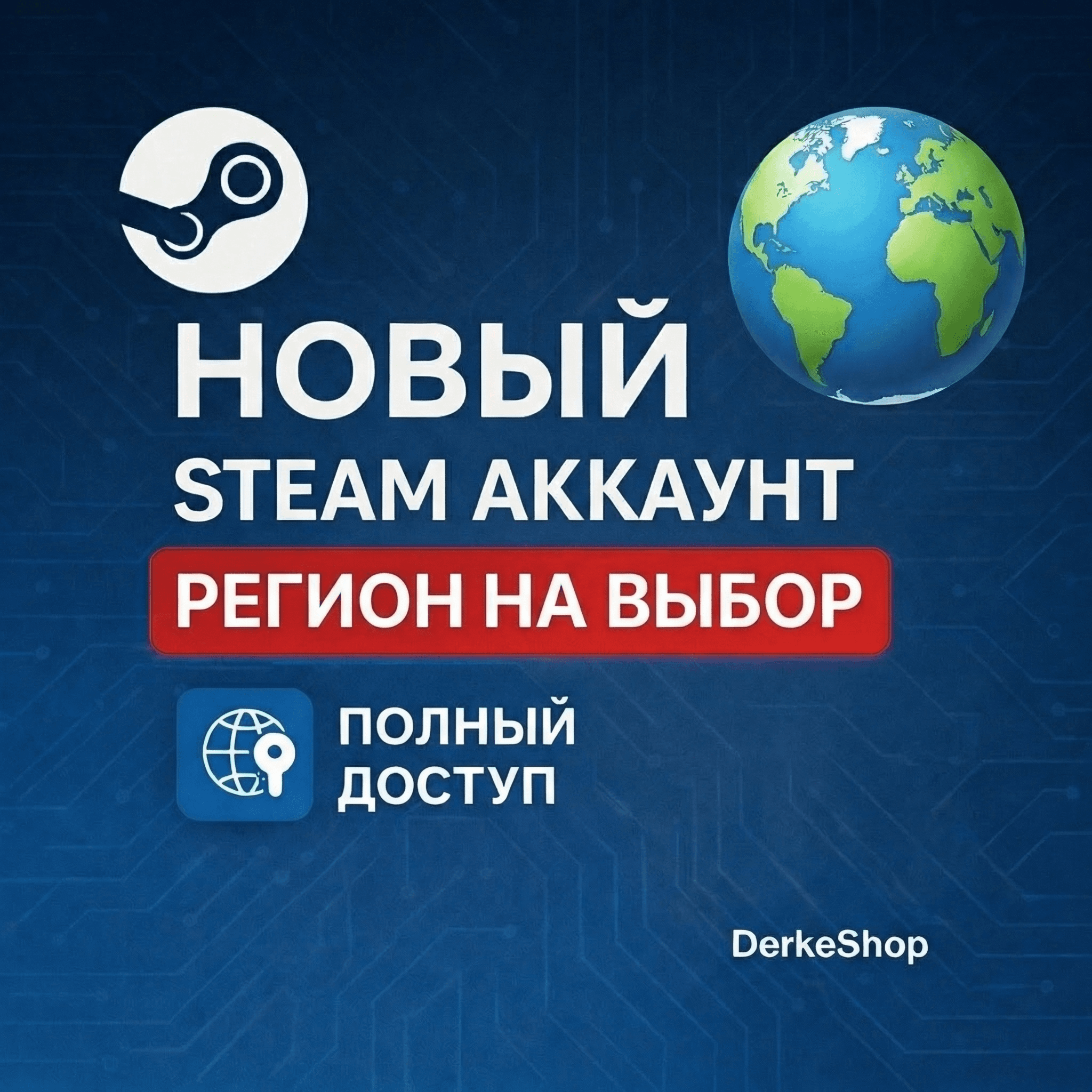
HomeDigital goodsGame accountsSteam AccountsNEW STEAM ACCOUNT Kazakhstan | Ukraine | Türkiye | China+13 countries | AUTO-DELIVERY
1 / 1
NEW STEAM ACCOUNT Kazakhstan | Ukraine | Türkiye | China+13 countries | AUTO-DELIVERY
47 sold40
🎮 A ready-made Steam account (region of your choice) with full access
Get instant access to the Steam store in your chosen region! After payment, you´ll receive an account and be able to purchase games, DLC, subscriptions, and much more. We´re open 24/7 – fast, automatic delivery and 24/7 support.
🌍 Available regions:
✅ Russia
✅ Kazakhstan
✅ Turkey
✅ Vietnam
✅ India
✅ Ukraine
✅ Indonesia
✅ Brazil
✅ Switzerland
✅ China
✅ Poland
✅ Germany
✅ Italy
✅ Japan
✅ Philippines
✅ Uzbekistan
✅ USA
(Please specify your region when ordering)
📦 What´s included:
✅ Account email
✅ Steam account login and password
✅ Email password
🌟 Advantages of our service:
✅ Ready-to-use Steam account registered in the selected region
✅ Instant delivery after payment (24/7/365)
✅ Full access to your account email
✅ Accounts are registered manually by the seller
✅ Post-purchase support
✅ Low prices and high-quality service
🔒 Why choose us:
✔️ We do not store account and email data after the sale
✔️ We guarantee the reliability and security of our service.
✔️ Access to purchases in the selected region.
✔️ All accounts have a limit (you need to top up your balance by $5 to access the marketplace).
⚠️ Important information: After purchase, you are responsible for account security.
We recommend:
✔️ Change your account password and email address to your own.
✔️ Set up Steam Guard Mobile Authenticator for additional security.
✔️ Use payment methods that comply with the regional requirements of your region.
✔️ Do not change your email address to a .ru domain (use .com: Gmail, Outlook, etc.).
✔️ Comply with Steam rules and the user agreement.
🛒 Start buying games today! With a Steam account in your selected region, you´ll have access to thousands of games, discounts, and sales. 🎮💳🛍
🔑 How do I change my email address? Go to "Account Details," scroll down to "CONTACT INFORMATION," and click "Change Email." Then click "Send Account Verification Code to ****@outlook.com."
🔑 How do I change my password? Go to "Account Details," scroll down to "ACCOUNT SECURITY," and click "Change Password." Then click "Send Account Verification Code to ****@outlook.com."
💸 How do I top up my Steam balance? There are several ways to top up your Steam account:
✅ Purchase a Steam Gift Card in-store or online
✅ Link a payment method that works with your account
Main Characteristics
Updated on platform11.02.2026 23:33:50
D
DerkeShop
Online
Похожие товары
PARTNER
PARTNER
PARTNER
PARTNER
PARTNER
PARTNER
PARTNER
PARTNER
PARTNER
PARTNER
PARTNER
PARTNER
Total Price
100 ₽≈ 1.52$
Secure Deal
Instant Delivery